 Dyrelog
About Dyrelog
I started Dyrelog because I didn't see DPS meters that really clicked with me and my quirky sense of style. I tend to like a specific type of dps meter, so I thought I'd just make my own. There are some incredible options out there, but often times they have much more functionality than I need, and I get overwhelmed when there's too much data and information at my disposal. So I made something that just did DPS, Analytics, and Leaderboards, and did it really well.
In real life I'm just a guy who used to work in the game industry, and now a software engineer. I enjoy building projects, fixing problems, and helping others. I've been playing MMOs my whole life just like most of us here, and I took inspiration from DPS meters from other games so that Dyrelog feels familiar and easy to pick up.
This is a fan project, built and maintained by one person in his spare time and not an official tool, nor affiliated with Daybreak Game Company or EverQuest Legends. If you have any questions, feedback, or bug reports, please submit an issue on GitHub (linked below) and I'll review it as soon as I can.
What's included
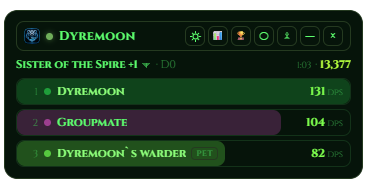
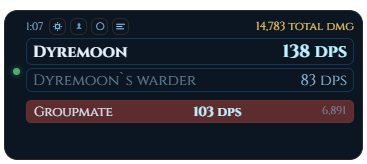
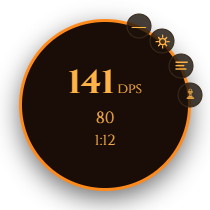
There's the standard bars, a mini-mode for minimalists, and a circle for weirdos who like circles. There's also a deep-dive analysis tool and a leaderboard system for fun, and just to compare against everyone else who chooses to upload their boss kill logs.
Bars
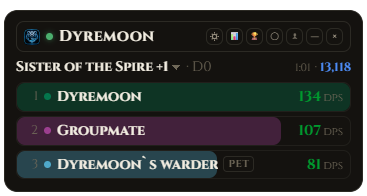
The Main Standard "Bars" dps meter that can track your performance and your pet or party in a familiar style.
Mini-Mode & Circle
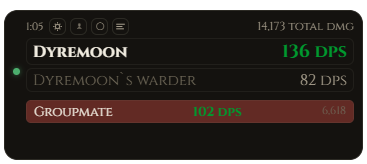
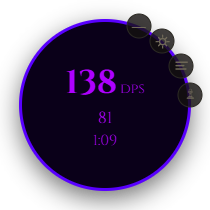
Mini mode is smaller, simpler, and lets you put your dps in a small window to keep your screen clean. It's best for people who prefer a minimal approach and just want to know their dps without it being the entire reason they play. The circle, again, is for weirdos.
Make it yours
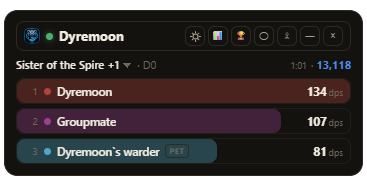
Customize fonts, backgrounds, sizes, and colors, with your own designs for every part of the meter. It can also fade out when you're not using it. Save your looks as presets, and share them with friends as a code they can paste in.
Combat Analysis
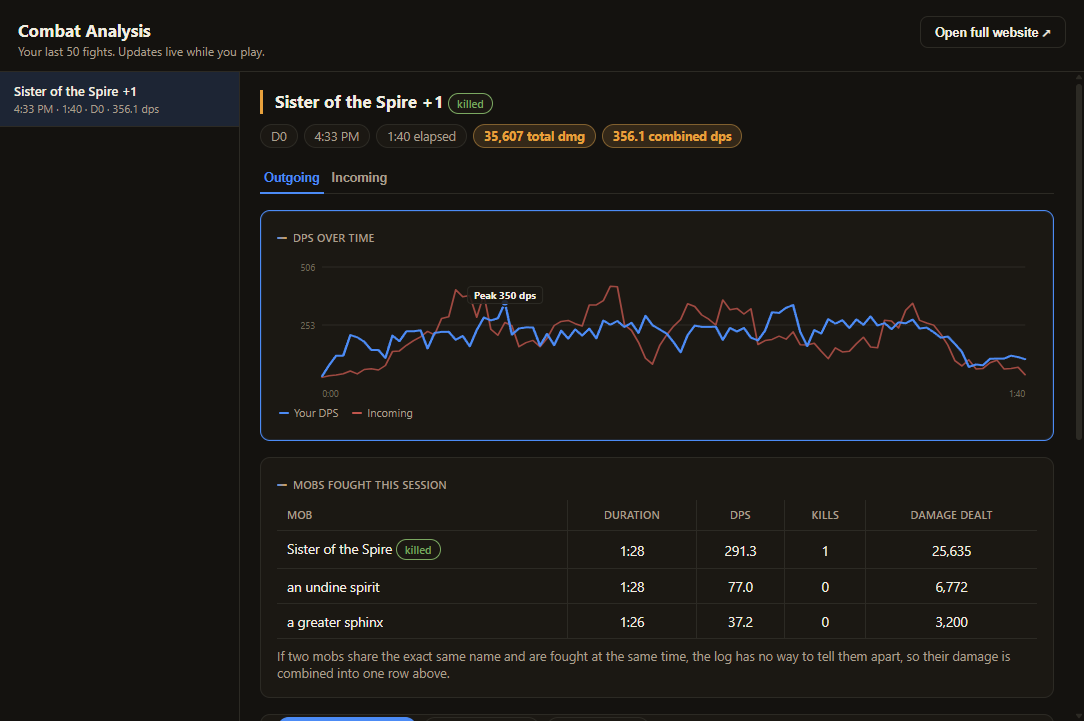
This is where you can dive deeper into your combat data. Ability breakdowns, procs, incoming damage, healing, etc. all within the same overlay or website if you'd prefer. I'm always looking at ways to add more depth to the analysis tool, so keep a look out for some version updates.
Submitting a kill
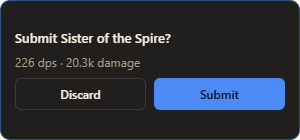
Kill a boss and a small popup asks if you want to submit it, or it goes up on its own if you picked Auto. It tells you right away if the kill is live or waiting for a quick review.
Leaderboards
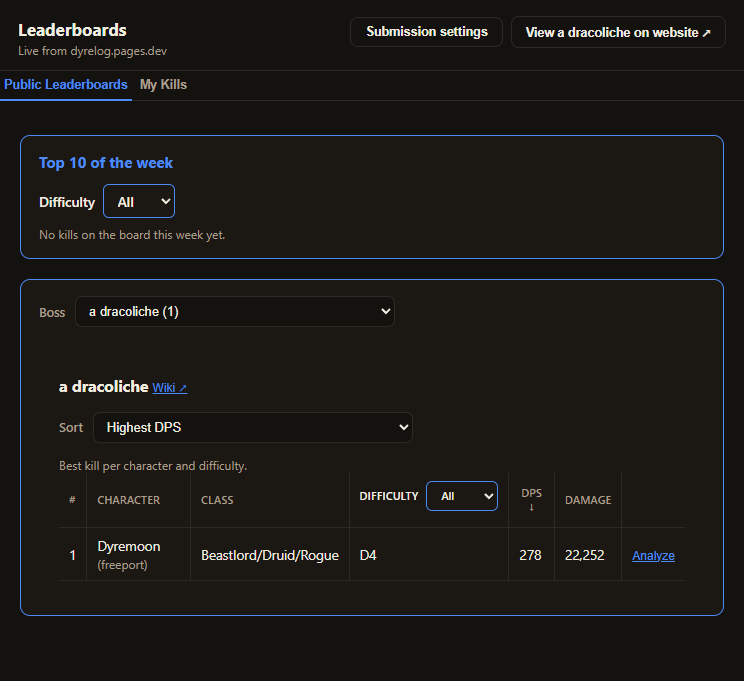
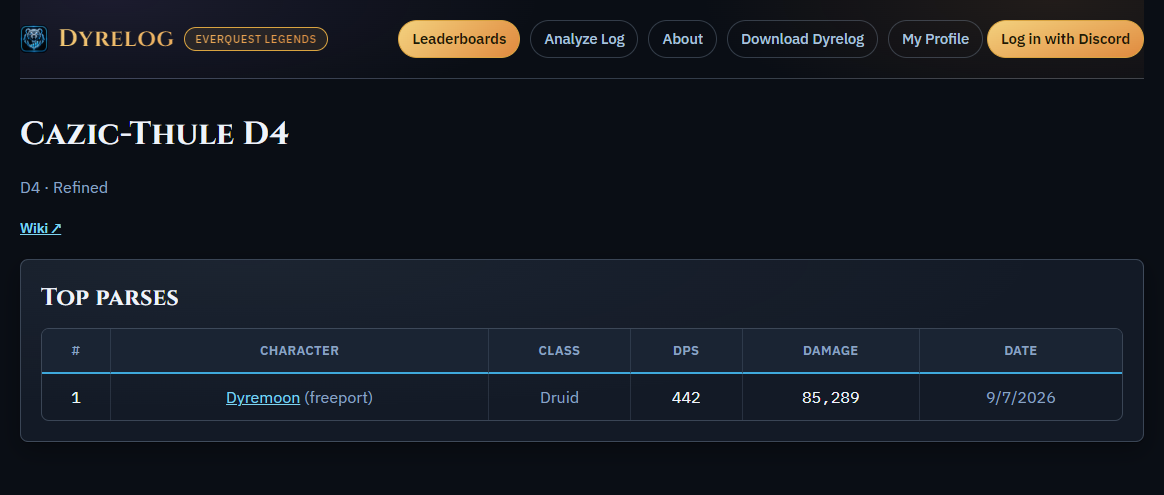
See how your parses stack up against everyone else on the same boss in the overlay while you play or on the website.
Your profile
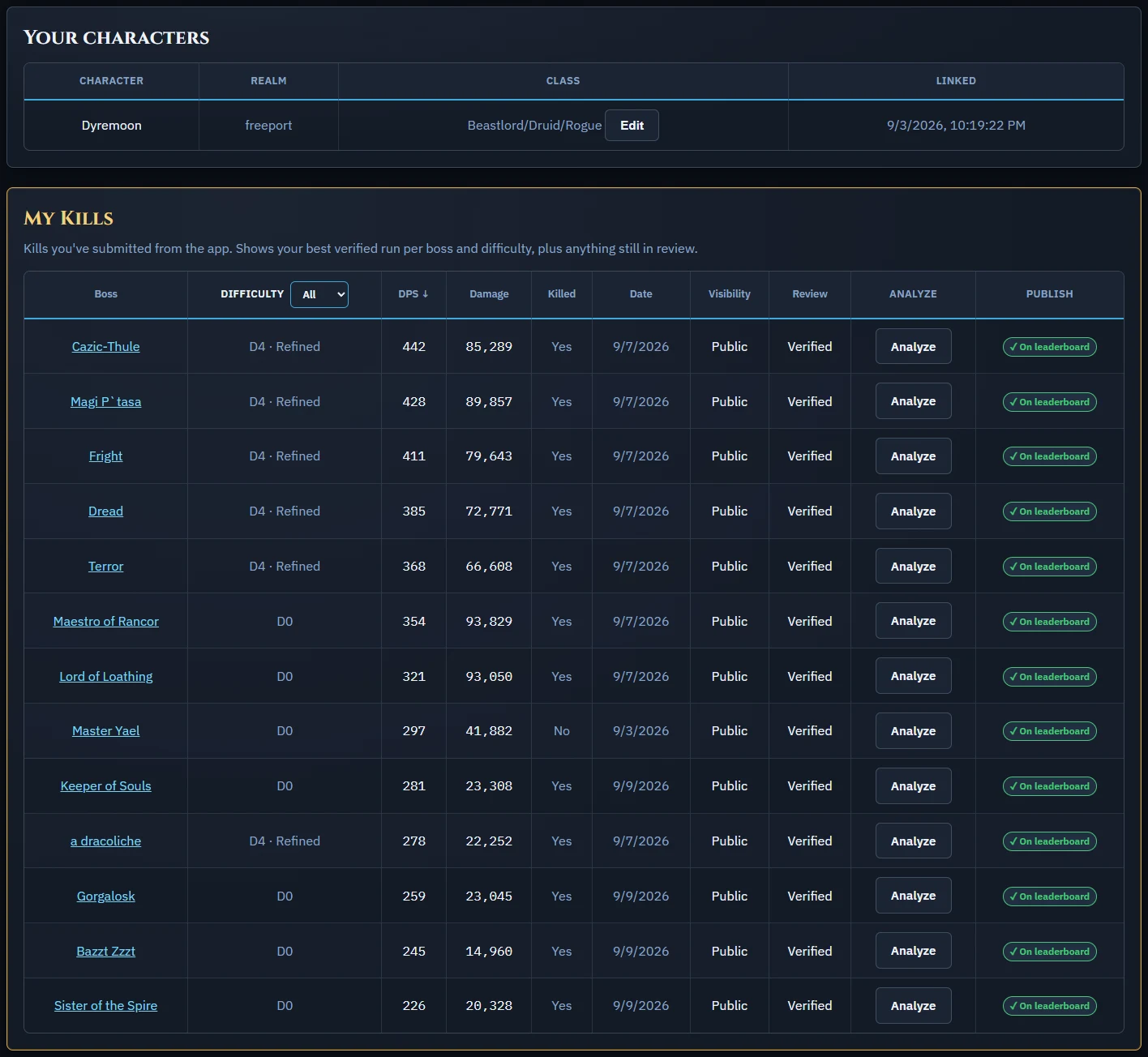
Log in with Discord to see every kill you've submitted with a quick link to analyze it.
Analyze a log in your browser
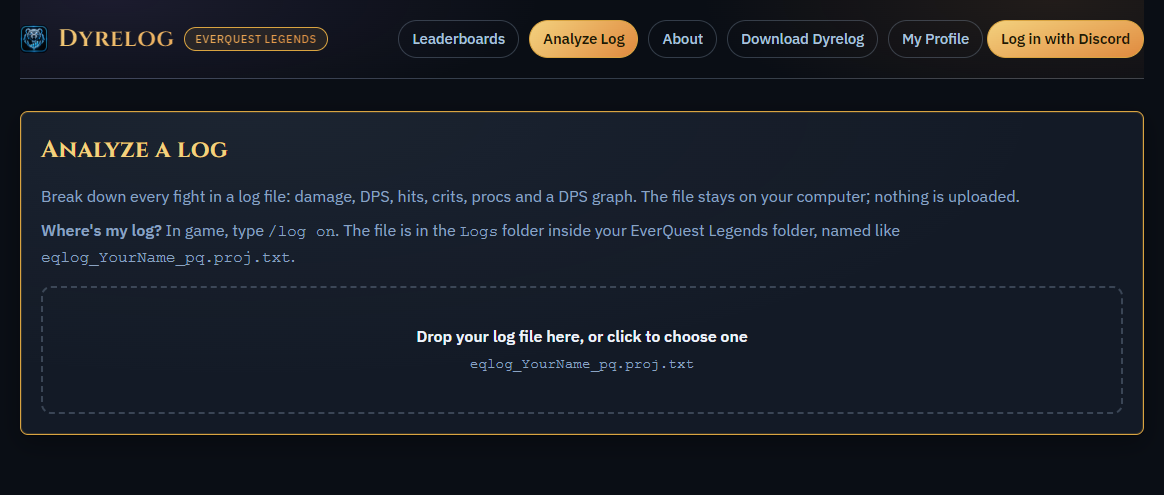
No install needed for this one. Drop a log file on the Analyze Log page and get the same fight breakdown. The file never leaves your computer.
Updates
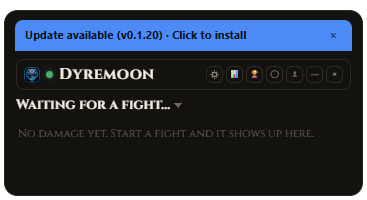
When a new version is out, a banner shows up on the meter. Click it and Dyrelog updates itself and restarts.
Feedback
If you've found a bug or want to submit some feedback, please go ahead and submit an issue on GitHub and I'll review it as soon as I can.
Report a bug or suggest a feature ↗Credits
Boss and zone data draws on research from these community sites, run by people who've spent years documenting this game. None of them are affiliated with Dyrelog. Thank you to all the incredible community members who care about the game and each other.